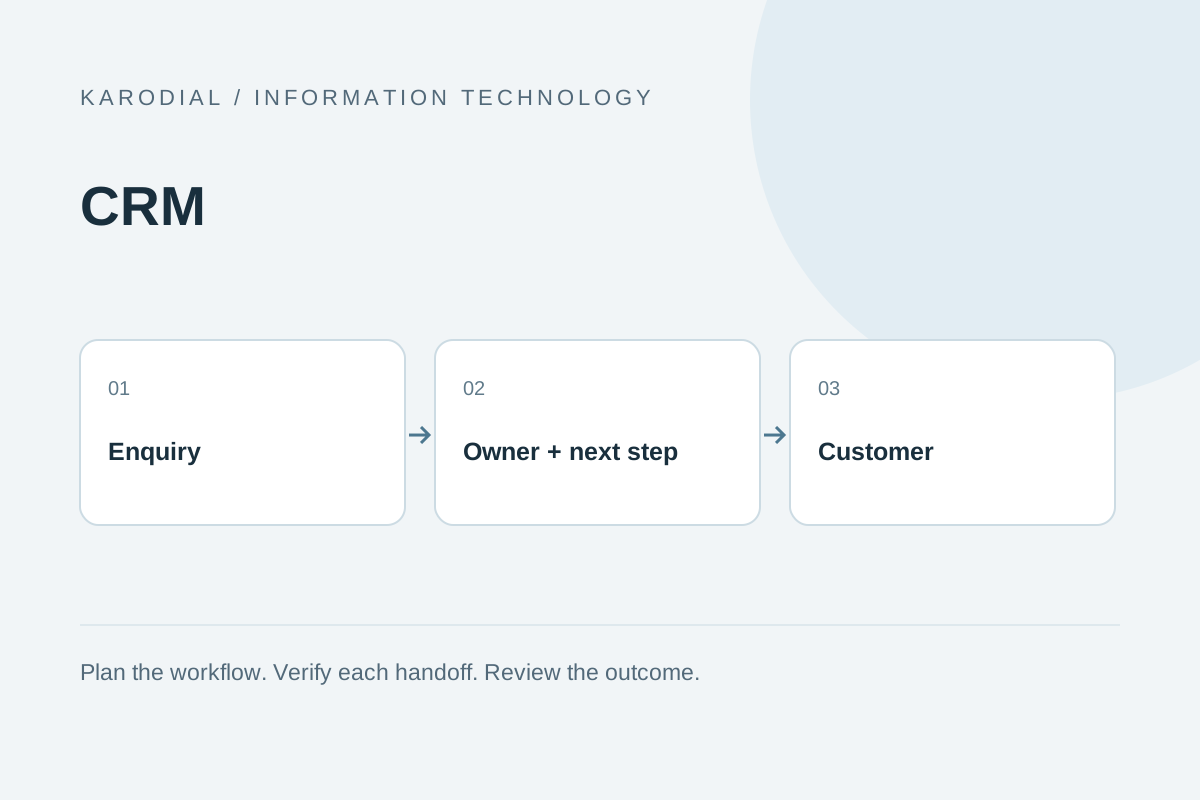
Custom software is useful when a clearly defined workflow needs capabilities your current tools cannot reasonably provide. It also creates responsibilities for maintenance and operation. Before commissioning a CRM or dashboard, describe the process and evaluate whether configuration of an existing tool could solve it.
Use an illustrative installation business: an enquiry arrives, an estimator follows up, a manager approves a quote and an operations team schedules work. The decision should be based on those handoffs, not simply a preference for a new dashboard.
Draw the process with real roles
Write the owner, required information and exit condition for each stage. Note where staff copy the same information or lose track of a request. Use anonymized examples. If different team members describe different processes, resolve that disagreement before turning it into software.
Try configuration before replacement
Compare the essential workflow with the capabilities of existing tools. Separate a genuine missing feature from a training or setup problem. Consider integrations, export options and ongoing licence costs. A ready-made tool may be sufficient; a custom system needs a clear reason and an owner for future changes.
Specify records and permissions
For every record, define required fields and who can create, edit, approve or export it. Sales staff may need enquiry notes without access to unrelated financial records. Ask for permission checks behind the interface. Hiding a button alone does not establish access control.
Turn the workflow into acceptance checks
Prepare sample enquiries and expected stage changes. Check duplicates, invalid updates, unauthorized access, integration failure and recovery after a retry. A report should reconcile with the source records. Include export and restore demonstrations where those are agreed deliverables, rather than discovering their absence during an incident.
Scope the handover and next phase
List migration, training, source delivery, hosting, backups and maintenance separately. Identify which parts belong in the first release and which can follow after staff feedback. KARODIAL can discuss a custom software scope using your process map, role list and anonymized examples; confirm the final commitments in writing.
Sources and further reading
Plan this with KARODIAL
Discuss the workflow, deliverables and provider costs for your business.
Discuss your project