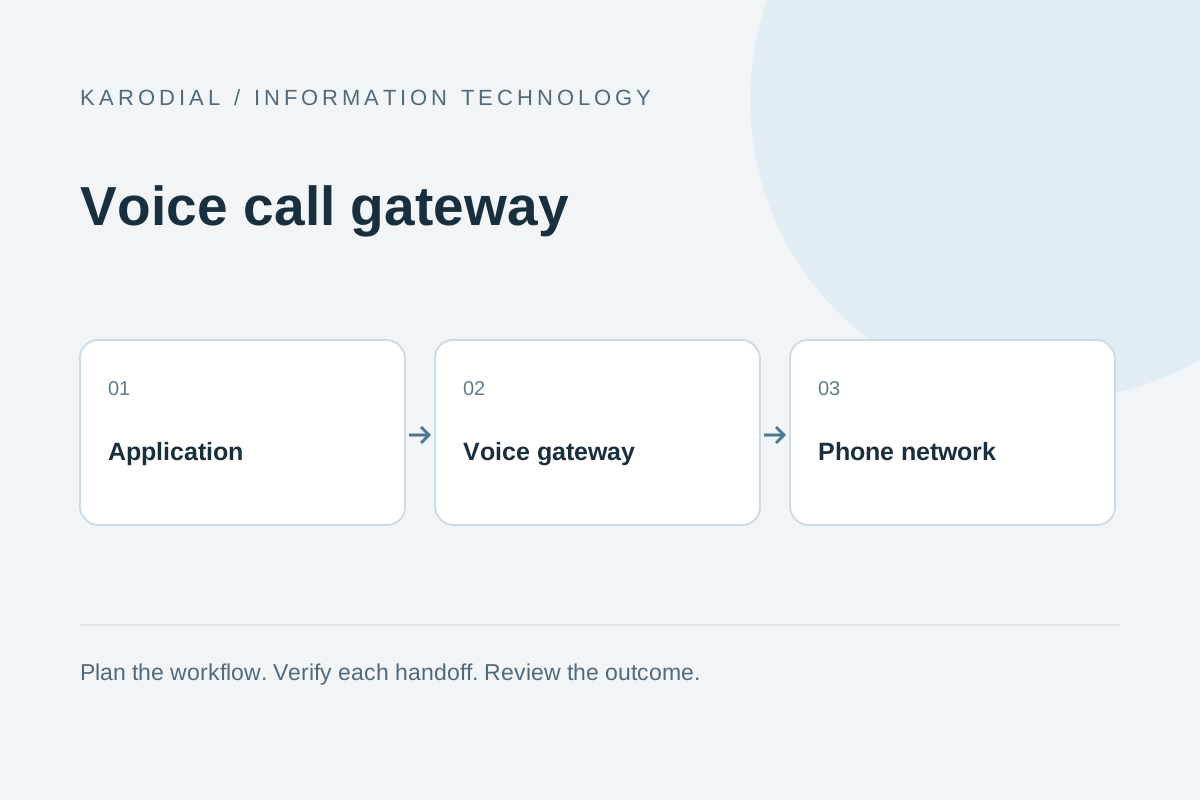
A voice call gateway connects software with telephone communication. It can let a website request a callback, route an incoming call to the right team or start a permitted outbound notification. The gateway handles part of the telephony connection, while your application decides the business workflow. Reliable calling requires attention to number setup, audio quality, call states and the person who takes responsibility when a call cannot be completed. This guide explains those decisions without assuming that every business needs a large contact centre.
Define the call experience first
Start with the customer's purpose. A support caller may want to reach a person quickly, while an appointment reminder may need a short confirmation. Write the expected journey from dialing to the final outcome. Identify whether the call is inbound, outbound or a callback requested through another channel. Avoid choosing advanced telephony features before deciding what the caller actually needs.
For each journey, define a helpful fallback. What happens outside working hours, when the team is busy or when the caller selects an invalid option? Keep the experience understandable. A complicated menu can waste time even when the technical system works perfectly. Decide which calls require a human, which can use a short automated flow and which should offer a callback instead of a long wait.
Understand the main connection layers
A voice workflow may involve a phone number, a provider gateway, a telephone network and an application that supplies call instructions. Some systems also use SIP connections with existing business telephony infrastructure. A voice API can create or control calls according to the provider's supported features. The available numbers, destinations and capabilities depend on the service and local requirements.
Separate the application layer from the network result. Your code may request a call successfully while the destination remains busy or unreachable. A connected audio path does not prove that the intended person answered. Keep these distinctions in the data model and the interface. Good operational design tells employees whether the system attempted a call, established a connection and obtained the desired business outcome.
Set up numbers and identity carefully
Choose numbers appropriate to the intended use, supported destinations and current provider onboarding requirements. Confirm business ownership and the required verification process. Understand whether the number supports inbound calls, outbound presentation, messaging or only a subset of features. A familiar-looking number should not be assumed to support every communication channel.
Use a truthful caller identity and do not design around impersonating another person or organization. Review applicable calling requirements, customer preferences and contact windows before activating outbound traffic. Keep ownership of the provider account within the business. Document number renewal, porting possibilities and the person responsible for administrative recovery. Losing access to a widely published support number can be more disruptive than losing one application feature.
Keep an inventory linking each published number to its business purpose, routing destination and owner. Review that inventory when branches close or teams move. A number that still appears on an old advertisement needs an intentional customer experience rather than an abandoned route.
Design IVR and routing for people
An interactive voice response flow can collect keypad choices or supported speech input and route the call. Keep prompts short, explain the available options and avoid unnecessary layers. Offer a route for callers who cannot complete the automated step. Important information should be understandable at ordinary listening speed and in the language the caller expects.
Map routing to actual staffing. Sending support calls to a department that has no available employee creates the appearance of service without a useful result. Use business hours, overflow rules and appropriate queue behavior. Test transfers and callbacks with real team availability. A routing diagram is only a plan; its value depends on where callers actually land and whether the receiving employee has enough context to help.
Integrate calls with business records
Create a local operation record before dispatch and save the provider's call identifier when available. Link the call to the relevant enquiry, account or appointment through a stable relationship. Avoid using a phone number alone as the identity of every interaction. Several records can share a number, and one person can receive multiple calls about different subjects.
Keep API credentials on the server and restrict who may initiate calls. Validate destinations and enforce appropriate limits. Protect against double submissions so a slow browser response does not trigger repeated calls. For website callback requests, show acceptance only after the request is safely recorded. A customer's request for a callback should not silently become enrollment in an unrelated recurring campaign.
Track call states and callbacks accurately
Providers can report progress through states such as queued, ringing, answered and completed, with additional failure outcomes. Exact labels and meanings vary. Read the provider contract and translate those states into a useful business view. Validate callbacks, correlate them to the saved call identifier and handle repeated or out-of-order events without corrupting the record.
An answered call may reach voicemail, another person or an automated system. A completed call does not establish that the desired conversation occurred. If you use answering-machine detection, understand its limitations and test actual results. Keep technical completion separate from an employee-confirmed outcome such as appointment confirmed or support resolved. This avoids reports that count every connection as a successful customer interaction.
Treat audio quality as part of the product
Poor audio, long delays and interruptions can make a technically connected call unusable. Test representative destinations, devices and network conditions. Listen to the whole journey, including prompts, hold audio and transfers. Use clear recordings or suitable synthesized speech with a reviewed script. Confirm names, numbers and important instructions are understandable.
Measure practical signals such as dropped calls, delay and repeated transfer failures. Investigate whether problems occur in the caller's network, the provider route or the application's audio handling. Avoid assuming that one successful internal test represents every destination. Plan a fallback when quality becomes unacceptable. Sometimes a scheduled human callback is more useful than forcing a customer to repeat information through a failing automated connection.
Handle recordings and private information
Recording can help quality review and customer continuity, but it requires an appropriate notice, access and retention process. Review the current rules for the relevant locations and use case before enabling it. Do not record everything merely because the provider offers a checkbox. Decide which conversations genuinely need retention and who may replay or export them.
Avoid collecting passwords, one-time codes and full payment details through an ordinary recorded flow. Use a properly designed secure process when sensitive actions are necessary. Keep recordings and transcripts linked to the correct authorized record. Restrict public links and define deletion or archival behavior. A call log containing status and duration is different from the audio itself, so retention and access rules may reasonably differ.
Budget and test before scaling
The cost of a call can involve number rental, destination rates, connected duration, recordings, transfers and optional services. Read the provider's current billing rules rather than estimating only from an advertised per-minute figure. Set limits and alerts that match the business. An unexpected loop or repeated dispatch can become expensive quickly.
Consider a fictional repair company offering website callbacks. It records the request, checks the operating window, queues one callback and links the result to the enquiry. Busy or unreachable outcomes return to an employee for an agreed next step. Before rollout, the team tests invalid numbers, repeated requests, unanswered calls and failed transfers with controlled recipients. A successful voice gateway implementation makes the calling process clear, measurable and recoverable. The connection matters, but the customer's ability to reach useful help is the real outcome.