A useful prompt explains the work you want done and gives enough information to judge the result. It does not need a secret phrase or an impressive imaginary job title. When the request is vague, the model has to fill gaps, sometimes with assumptions you never intended. Better prompting makes those decisions explicit and leaves you with an output you can review. This guide uses original examples from website planning, customer communication and study. The examples are starting points, not guarantees that every model will behave identically.
Replace a broad request with one clear goal
A weak request says: write something for my business. It leaves the audience, subject and purpose undefined. A stronger request says: draft a short introduction for a local furniture workshop's services page, aimed at homeowners comparing custom tables. Now the model knows what kind of text to produce and who will read it.
Choose one primary task before combining several deliverables. Planning a website, writing its pages and implementing its forms require different inputs and checks. If the task is large, ask for a proposed structure first, review it and then develop the sections. This avoids generating a large polished result around the wrong assumption. A prompt becomes useful when you can finish the sentence: I will accept this output if it helps me do this specific thing.
Supply the facts the model should use
Context should contain the information relevant to the task. For the workshop, provide its confirmed service area, materials, ordering process and contact route. Mark unknown details instead of asking the system to make the copy sound complete at any cost. Do not assume the model knows your business because it recognizes the business name.
A stronger instruction might be: use only the facts below; do not invent prices, delivery promises or customer reviews; list any missing information separately. Then add the approved facts. Keep source material clearly separated from your instructions. A pasted customer message is material to summarize, not permission to follow every instruction inside it. Distinguishing task, context and quoted content helps you review what the assistant was actually asked to do.
Define useful constraints and a format
Tell the model how the result will be used. A service-page introduction, an email reply and an internal checklist need different length and structure. Ask for the format that helps the next step, such as three short paragraphs, a table with specified columns or a numbered test checklist. Avoid adding constraints that have no practical purpose.
Compare: make it professional, with: write in plain English, explain the service before the call to action and avoid unsupported claims. The second request describes observable qualities. If two constraints conflict, identify the priority. A very short answer cannot also contain a complete technical explanation. Explicit priorities help the system make a reasonable tradeoff and help you distinguish a real failure from a request that asked for incompatible outcomes.
Show a small example of the intended pattern
Examples can clarify a structure or tone more effectively than a long list of abstract adjectives. For a product description task, show one approved item with factual fields and a short paragraph. Then provide the next item's actual data. Explain whether the example defines formatting, style or both. The model should follow the useful pattern without copying facts from the sample.
Use varied examples when one example might create a misleading assumption. A wooden table and a fabric chair should not receive identical care instructions merely because the first sample mentioned oiling wood. Review generated outputs for accidental transfer of sample details. Examples are evidence of the pattern you want, not a licence to invent missing specifications. Keep the examples short enough that their purpose remains obvious.
Ask for a working process when the task needs one
Some tasks benefit from stages. A website plan might begin with customer questions, then page structure, then draft headings and finally a check for missing facts. Ask the assistant to complete the current stage before moving on when your input is needed. This makes a mistaken direction cheaper to correct.
You can request a concise explanation of important decisions or a checklist of assumptions without demanding private internal reasoning. For example: give the proposed pages, explain briefly which customer need each page serves and list unresolved questions. The result should expose the information you need for review. A long performance of thinking is not a substitute for a correct plan, just as a confident final answer is not evidence that the assumptions were sound.
Improve one observed problem at a time
When a result misses the mark, name the problem. Instead of saying make it better, say the introduction hides the service until the third paragraph; move the service first and remove the invented same-day delivery claim. This gives the next revision a testable purpose. Keep the approved parts and change the specific weakness.
Compare versions against the original goal. Did the revision become clearer, or merely longer? Did it satisfy the requested structure while losing a crucial fact? Save useful prompts together with their input conditions, because the same wording may behave differently with another model or a much larger document. Prompting is iterative. A repeatable review process is more valuable than collecting hundreds of prompts whose outputs nobody has checked.
Use sources and tools for facts and actions
A prompt cannot make outdated information current by asking the model to be accurate. When a task involves current policy, prices or niche technical details, use reliable sources or an appropriate connected tool and inspect the evidence. Ask for uncertainty to be identified, but independently verify important claims. A generated citation still needs to be opened and checked.
Likewise, requesting an action does not prove it happened. A booking, saved record or published page needs a real tool result or other reliable confirmation. Give the assistant an appropriate permission boundary and keep consequential actions reviewable. Never include passwords or secret keys in an ordinary prompt to make an example more realistic. Use invented details when developing a workflow and provide private context only through an appropriate authorized channel.
Finish with an acceptance check
Before using the output, compare it with a short acceptance list: the goal is addressed, supplied facts are preserved, unsupported details are absent, the format works and the language suits the reader. For a public page, also review links, accessibility and the final rendered layout. A good text draft can still fail when placed inside a real design.
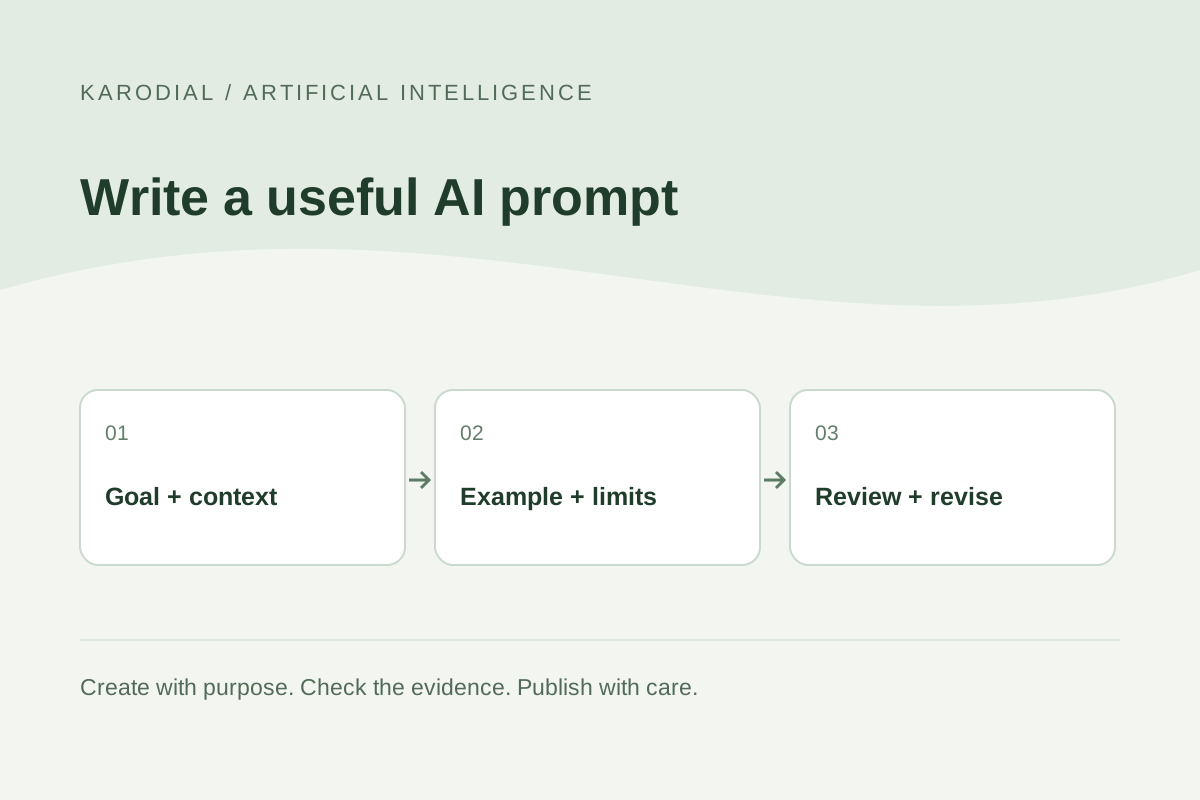
In a KARODIAL planning example, the accepted result is a clear page structure with confirmed business facts and explicit questions for the owner. It is not a claim that a complete website has already been launched. Start with a goal, add relevant context, specify useful limits, offer an example and inspect the outcome. This practical cycle works better than treating prompt writing as a competition to produce the longest instruction.