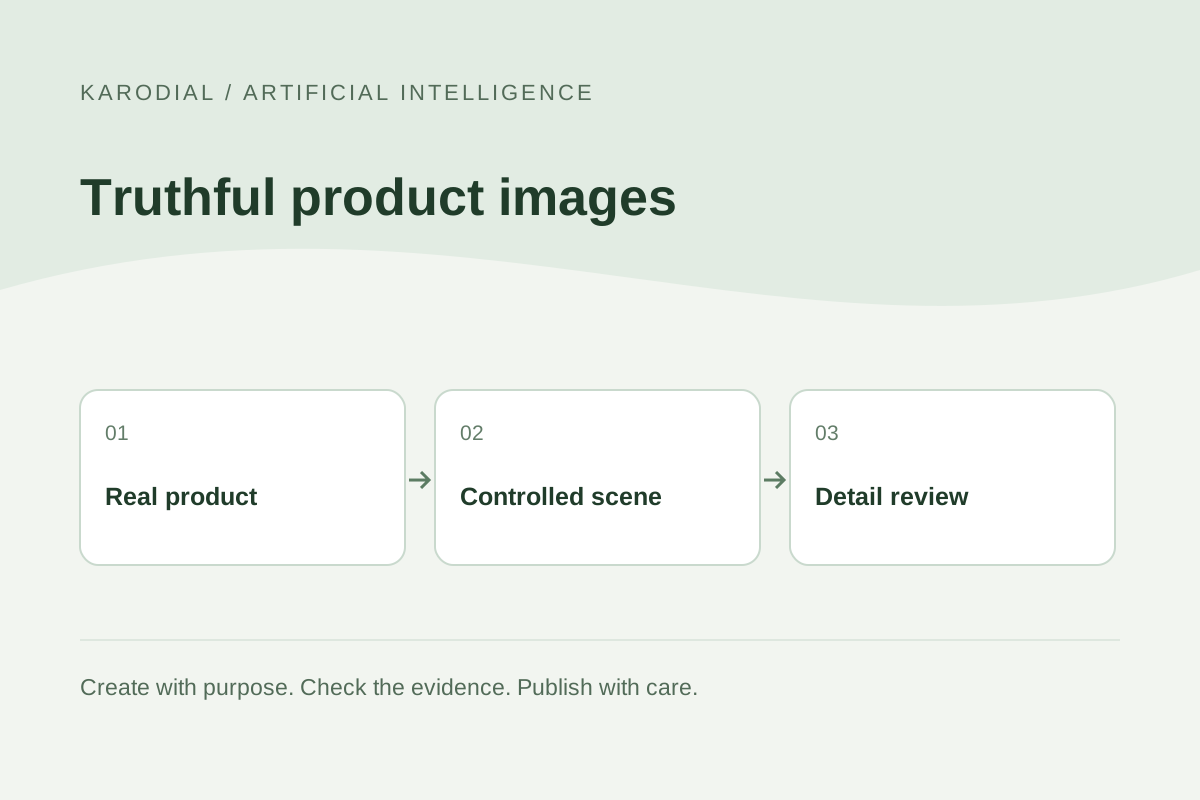
AI can help explore backgrounds and campaign compositions, but a product image still makes a promise about what the customer will receive. A beautiful scene is a poor result if it changes the bottle, adds an accessory or invents text on the label. The product must remain the reference point for every creative decision. This guide uses a fictional ceramic-mug campaign to explain a careful workflow for a business website. It distinguishes accurate catalogue images from conceptual advertising and keeps the owner of the real product involved in the final review.
Write down the product facts
Create a short record of the item before editing. Include the exact variant, visible materials, dimensions, color, markings and included components. Identify details a customer might use to make a purchase decision. A handle's shape or a lid's presence can be more important than the background. Keep the real item or an approved reference available during review.
In the fictional campaign, the mug has one curved handle, a matte cream exterior and a small blue mark near its base. It is sold without a spoon or presentation box. These facts become the acceptance checklist. The creative team can change the setting, but it cannot casually add a wooden lid because the composition looks better. Product accuracy begins with shared facts rather than a vague request for a premium-looking image.
Capture a dependable source photograph
Use a sharp photograph with enough detail for the intended placement. Clean the product and check reflections, edges and focus. Capture several genuine angles if the listing needs them. A generated reverse view should not substitute for a real photograph when unseen features matter. Document who owns the photograph and whether it is approved for upload to the chosen service.
The source does not need elaborate styling. A plain, well-lit image can make boundaries easier to inspect. Keep an untouched master. If the photograph already misrepresents color, fix the capture or compare it with the physical item before adding AI. Otherwise, later reviewers may accept the wrong reference as the truth. Good input preparation reduces ambiguity but does not remove the need to check each output.
Separate catalogue and campaign purposes
A primary catalogue image should help customers identify the item clearly. A lifestyle campaign can add atmosphere and context, but it should not imply untested features or included accessories. Define where each image will appear before creating it. A suitable website banner may be unsuitable as a shopping-feed main image because the placement has different requirements.
Prepare separate briefs for those uses. For the mug, the catalogue view can remain plain and accurate. A campaign image might place it on a breakfast table, with a caption that makes the scene understandable. Do not let decorative props look like a bundle the customer receives. Check the actual destination's current image policies rather than assuming that a visually attractive result can be used everywhere unchanged.
Protect the product while editing the scene
When exact product detail matters, consider retaining the approved product photograph as a separate layer while creating or editing the surroundings. A selection or mask can help limit the intended change, depending on the tool. Adobe documents targeted generative editing through selections. Review the result rather than treating the presence of a mask as proof that nothing outside it changed.
Use a simple brief: a softly lit tabletop, quiet background and room for a headline. Keep the product identity and factual checklist separate from the scene description. If the tool redraws the product, compare it against the source immediately. Do not postpone accuracy review until after many variants have been approved for their mood. That can make a fundamentally incorrect candidate expensive to abandon.
Match light, contact and scale
A pasted or generated product should appear to belong in its surroundings. Compare the direction and softness of the light, the contact shadow and the surface perspective. Check whether the mug seems to float or cast a shadow inconsistent with the scene. These are visual-production checks, not proof that the photograph documents an actual setting.
Scale also communicates information. A tiny mug beside an oversized hand can mislead even when no dimensions are written. Use real measurements and reasonable comparisons when the image is intended to show size. Avoid inventing steam, liquid behavior or durability demonstrations that imply an unsupported feature. If the concept requires a claim about performance, obtain appropriate factual evidence rather than trying to create that evidence visually.
Inspect the details that AI may change
Compare the output and source side by side at a useful zoom level. Check the handle attachment, rim, base, material texture, color and mark. Look for added parts, missing seams and inconsistent reflections. Examine text and logos character by character. A plausible-looking label can still contain invented words or an altered quantity.
Ask the product owner to review the image, especially when variants differ only subtly. A designer may not know that one lid fits a different model or that a decorative stripe identifies another size. Record approval for the specific file, not just the general direction. If factual detail remains uncertain, use the genuine photograph or commission a new capture. The correct product matters more than preserving an attractive generated background.
Review licences and destination requirements
Check the applicable tool, model and plan conditions, together with rights to photographs, logos and other inputs. A provider's commercial-use permission is not a universal clearance for third-party material. Keep the relevant terms and source records with the project. Do not assume that another model inside the same interface necessarily has identical conditions.
For shopping feeds, read the current platform requirements for primary images, additional views and AI metadata. Google's Merchant Center guidance requires appropriate AI-origin metadata and says embedded relevant tags should be preserved. Review the export pipeline so optimization does not accidentally remove required provenance. Avoid copying a fixed size limit from an old guide; confirm the current requirements and any announced future effective dates for the actual destination.
Prepare website files without losing meaning
Export the sizes needed for the website's actual layouts. Keep the product readable in a narrow mobile crop and avoid cutting off a feature customers need to inspect. Use an appropriate image format and sensible compression, then compare the result with the approved master. Compression can make small writing unreadable even when the original looked clear.
Write useful alternative text describing the product and view. A promotional slogan is not a substitute for an image description. Keep image names and variant records consistent so the wrong color is not attached to a listing during upload. Preview the complete product page, including price, description, thumbnails and any stated contents. The image and surrounding copy should tell the same factual story.
Approve a small campaign before scaling
For the fictional mug, the team produces one accurate catalogue image and two reviewed lifestyle compositions. It rejects a candidate that adds a lid and another that changes the handle. The approved files keep the real product details intact, and the store owner confirms the variant and included items. The team saves the source photograph, layered project and final exports separately.
Only then does it create more crops or seasonal scenes. Keep a correction route if a customer or employee spots an inconsistency later. AI product photography is useful when it supports clear presentation without changing what is being sold. The strongest workflow combines real references, bounded edits and an informed human review. A successful image is both attractive and dependable enough to stand beside the actual item.