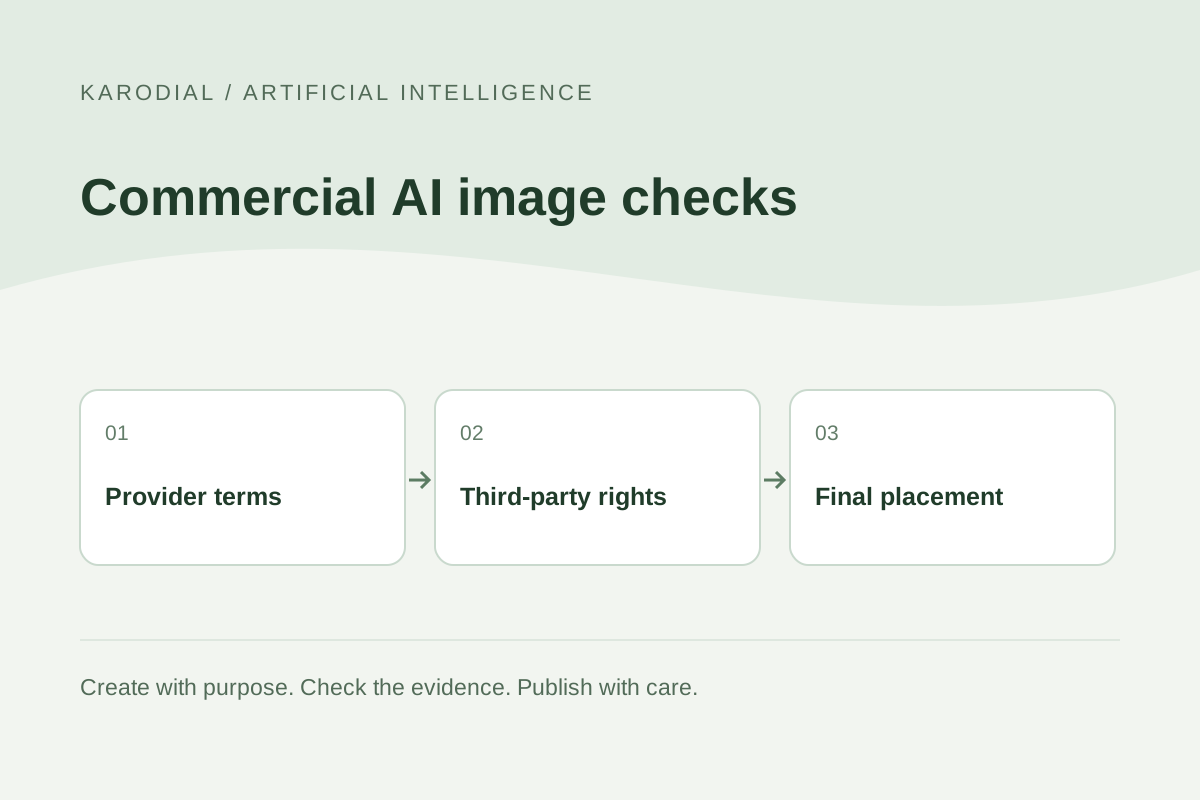
An AI image can look ready for a website, advertisement or client presentation while important permissions remain unresolved. Commercial use is not one universal switch. You need to understand the tool's terms, your rights to uploaded material, the people or brands depicted and the claim the finished image makes. Copyright protection for your own contribution is another question. This guide offers a practical review workflow using a fictional café website campaign. It helps organize decisions and evidence without declaring that every generated image is free to use, exclusive or protected in every country.
Describe the actual intended use
Write down where the image will appear and what it will communicate. A private mood board, a public advertisement and a product package are different uses. Identify the client, audience, territory and any plan to distribute the image to others. Avoid reviewing rights for a small internal draft and later assuming the same decision automatically covers a major campaign.
In the fictional KARODIAL example, the café needs a website banner and two social graphics. The banner shows its own mug on a breakfast table. It will not be sold as a standalone stock asset. That description gives the review a concrete starting point. If the client later wants merchandise, a large outdoor advertisement or a resale licence, reopen the decision using the actual new use and current terms.
Identify the tool, model and plan
Record the service, selected model, relevant feature and account plan used for generation. Read the applicable terms rather than relying on a social-media claim that all AI output can be used commercially. Check whether a beta feature, partner model, free plan or enterprise arrangement has a different condition. Keep the relevant date and a recoverable record of the terms you reviewed.
Adobe's current Firefly FAQ permits commercial projects with its outputs subject to the stated feature conditions; beta exceptions can be specified in the product. That is a provider-specific example, not a rule for every image generator. A familiar interface may offer several models with different applicable conditions. If the wording is unclear for your intended project, resolve that uncertainty before approving the image for public use.
Check rights to the inputs
List photographs, artwork, logos, textures and other reference material uploaded to the tool. Confirm that your permission covers the intended processing and use. A client supplying a file does not automatically establish that the client owns every element inside it. Ask about the origin of stock material, commissioned work and recognizable people before treating the file as an unrestricted input.
For the café banner, use an owned product photograph and an approved brand mark. Do not copy a competitor's campaign image merely because the final output might look different. Keep the original files and the relevant permissions together. When an input contains private or confidential information, review the service's data-handling conditions as well. The visual result is only one part of the decision to upload material to an external system.
Review third-party elements in the output
Look for recognizable logos, distinctive packaging, copyrighted characters and identifiable people. Check the image at a useful size rather than approving a small thumbnail. Generated marks or writing may resemble something unintended. A provider's permission to use output does not establish permission from every third party whose rights might be involved.
Adobe's current guidelines separately prohibit violating copyright, trademark, privacy and publicity rights through inputs or outputs. Apply that distinction practically: remove an unnecessary branded object, use an authorized model or choose an original composition when the intended rights are uncertain. Do not assume that crediting someone resolves the issue. For important campaigns, have the appropriate qualified reviewer consider the actual jurisdiction, placement and facts.
Separate permission from copyright protection
Being permitted by a provider to use an image commercially is different from having an enforceable copyright in the entire image. In its US-focused report, the Copyright Office says protection depends on sufficient human expressive contribution; prompts alone are not enough under its analysis. Creative modifications or arrangements can matter. This is not a worldwide legal conclusion.
Keep records of the expressive work you actually performed: original photography, drawing, composition, selection and substantive edits. Do not manufacture a history of human involvement after generation. The purpose is to describe the real process accurately. If a client expects exclusivity, discuss the limits explicitly instead of promising sole rights because one account generated the file. Contractual expectations should match the rights and evidence you can reasonably establish.
Check what the finished image implies
A rights review should also examine the message. Does the picture imply that a real person endorses the business? Does it show a product feature that does not exist? Does a conceptual scene appear to document an actual event? An attractive image can still create a misleading impression even when you have permission to use its component assets.
For the café, an atmospheric table scene should preserve the real mug and avoid inventing a celebrity customer. A conceptual store interior should not be presented as a photograph of premises that do not exist. Review headlines and captions together with the image. A small note may not correct a contradictory main claim. Change the composition or the claim when the overall presentation remains likely to confuse the intended audience.
Review destination and delivery requirements
Websites, advertising networks, marketplaces and publishers can set their own submission conditions. Read the rules for the actual placement. Some destinations may require AI disclosure or particular metadata. Do not assume that a provider's licence guarantees acceptance by another platform. Keep copyright, advertising accuracy and destination policy as separate review items.
Preserve relevant provenance information through export and optimization. Maintain a suitable master file and a version prepared for each placement. If a designer changes the image after approval, review the changed content again. A new generated background can introduce a new person, mark or implied claim. Approval belongs to a specific reviewed version and intended use, not to every future image sharing the same project folder.
Build a simple evidence folder
Keep a concise folder with the intended-use brief, original inputs, permissions, applicable terms, reviewed output and approval record. Include the generation date, model and meaningful editing notes. Avoid storing account secrets or unnecessary personal documents there. The goal is to make ordinary production decisions understandable without collecting more private information than the project needs.
For client delivery, agree on who retains the source, who may revise the asset and who handles a later concern. Explain any unresolved limitation in plain language. Do not use a broad phrase such as fully copyright safe when the review has only checked a provider's terms. Good documentation does not eliminate all legal uncertainty, but it prevents the team from confusing a narrow permission with a much broader guarantee.
Approve the use you can actually explain
The fictional café team checks the owned mug photo, current model conditions, brand elements and final website context. It removes an unintended logo from a prop and rejects a scene implying a false endorsement. The client approves the specific banner and social versions. The team retains the real inputs and records how the approved visuals were produced.
If the campaign later changes, the review changes with it. Commercial AI-image work is strongest when the team can explain the use, source and limits of its assets. Use AI for creative options while retaining responsibility for permissions and presentation. The result should be a business visual that fits its purpose, accurately represents the offer and comes with evidence proportionate to the project—not an unsupported promise that generation has cleared every possible right.