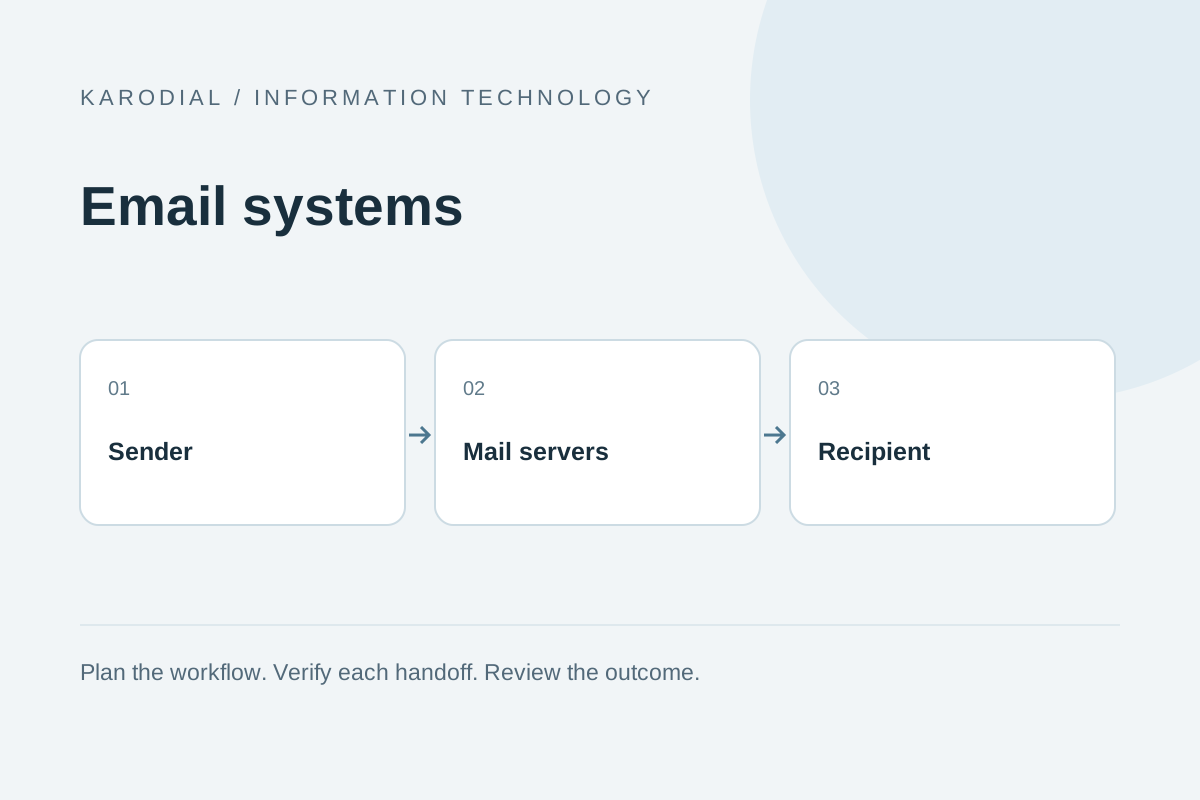
Business email appears simple because the familiar interface hides several systems. A person writes a message, a sending server handles it and a receiving system decides how to accept and present it. Your website may also send enquiry notifications, verification links and receipts. These are related needs, but they do not always belong on the same infrastructure. A reliable plan separates employee mailboxes, application sending and marketing campaigns, then gives each a clear owner. This guide explains the main decisions without assuming that every business should operate its own server.
Separate mailboxes from website hosting
A domain name can support both a website and email, but those services are technically distinct. Your website may run with one host while mailboxes use another provider. Email routing depends on the domain's DNS configuration, particularly the appropriate mail exchange records. Moving a website should not accidentally remove working email records. Record the existing setup before making changes.
List the addresses the team needs: individual users, shared support, billing and role-based aliases. An alias is not necessarily an independent mailbox with its own storage. A shared inbox also needs clear ownership so messages receive replies. Decide how staff access works and what happens when someone leaves. Business-controlled accounts and recoverable administration are more dependable than a collection of personal accounts that happen to use the company name.
Understand the main protocols and components
SMTP is commonly used to transfer outgoing email between systems and submit messages through an authorized sending service. IMAP commonly lets mail clients access and synchronize a mailbox. Webmail provides a browser interface. A complete mail service also involves storage, filtering, authentication and administration. The exact architecture varies, so focus on the responsibilities rather than assuming that installing one program creates a finished service.
Use encrypted connections supported by the provider and configure clients according to current documentation. Keep passwords and application credentials protected. A server accepting a message for onward delivery does not establish that it reached the recipient's inbox. Delivery can involve several systems, delays and rejection policies. Understanding these stages makes troubleshooting more accurate than treating every missing message as a problem with the website.
Configure domain authentication carefully
SPF describes authorized sending infrastructure for a domain within its rules. DKIM adds a domain-associated signature to messages. DMARC connects authentication with alignment and a domain policy for handling relevant failures. These controls work together, but they do not guarantee inbox placement or prove that every message is harmless. Configure them using the actual senders your business uses.
Inventory employee mail, website notifications and any campaign service before changing DNS. Avoid creating conflicting SPF records or publishing an incomplete policy without understanding the effect. Use a staged review of authentication results and reports. Preserve working DNS records during migrations. Provider requirements can change, especially for larger senders, so verify the current guidance before making a production change. Authentication is an ongoing operational responsibility, not a badge added once to the domain.
Give application email a separate workflow
A website should send email through a controlled server-side service. Never put SMTP passwords or secret API keys in public browser code. Validate form submissions and apply abuse controls so an enquiry form cannot become an unrestricted sending tool. Save the important business record before depending on email as the only copy of an enquiry.
Track the relationship between a local notification and its provider identifier. Where available, use verified delivery or bounce events to understand the outcome. Show the visitor an accurate confirmation of submission rather than guaranteeing inbox delivery. Separate application mail from employee correspondence where appropriate so one burst of automated traffic does not unnecessarily disrupt ordinary work. Maintain a clear sender identity and a reply address that somebody actually monitors.
Treat deliverability as an operational process
Inbox placement depends on more than a functioning server. Authentication, sender reputation, recipient expectations, message quality and mailbox provider policies can all matter. Send messages people reasonably expect and keep address data clean. Remove or suppress addresses according to trustworthy bounce and complaint evidence. Avoid buying lists and assuming they represent a useful audience.
Review current provider requirements for bulk sending, unsubscribe handling and acceptable use. Keep transactional messages focused on their purpose instead of disguising promotions as essential notices. Test important templates for readable text, working links and mobile display. If messages are rejected, examine the actual diagnostic response before changing several unrelated settings. A clear investigation is more useful than repeatedly sending the same message and hoping the receiving system behaves differently.
Choose managed email or self-hosting deliberately
A managed service can handle much of the infrastructure, filtering, availability and client support. Your team still owns account access, user lifecycle and correct domain configuration. Compare mailbox storage, administration, shared access, export options and support. Check how a migration would work if the service no longer fits. The lowest advertised monthly price does not describe the full operating cost.
Self-hosting gives more infrastructure control but adds responsibility for updates, abuse prevention, queue monitoring, backups and deliverability. You need technical ownership that continues during holidays and incidents. Confirm whether the hosting network supports the necessary email operation and reputation management. Do not choose self-hosting only because a server package is free. Software licensing and the effort of operating a dependable communication service are separate costs.
Protect accounts and limit exposure
Use strong authentication and multifactor protection where supported. Give administrators separate, appropriate access rather than sharing one password across the team. Review forwarding rules, delegated access and recovery contacts. Remove or transfer access when employees leave. An account takeover can expose conversations and let an attacker impersonate the business, so access management deserves regular attention.
Limit sensitive information in email when a better controlled workflow is available. Set retention and backup practices appropriate to business needs. Verify that backups can be restored without opening private mailboxes to unnecessary staff. Teach employees to confirm unusual requests through a known channel. Technical authentication helps, but it does not replace human judgment about a surprising payment request or an unexpected instruction from a familiar-looking address.
Plan migrations before changing DNS
Create an inventory of mailboxes, aliases, shared inboxes and sending applications. Confirm access to the domain's DNS and the old email system. Prepare the new accounts and test them before changing routing. Decide how existing messages, contacts and calendars will move, because these may require separate migration steps. Communicate the expected transition clearly to employees.
Keep the old service available for an appropriate overlap while verifying delivery and data transfer. Test inbound mail, outbound mail, website notifications and replies from ordinary clients. Review authentication for every authorized sender. Do not declare success simply because one mailbox can send a message to itself. Record the final configuration and remove obsolete access carefully once the transition is genuinely complete.
A practical plan for a growing business
Imagine a fictional company with ten employees, a support address and a website enquiry form. It selects managed employee mailboxes, a shared support workflow and a dedicated application sending connection. Website enquiries are saved before notifications are queued. The team documents DNS ownership, account recovery and the person who reviews delivery failures. Marketing messages follow a separate permission-based process.
Before launch, test the customer journey and the employee reply path. Check that bounced addresses are handled and that important notifications remain visible even when email delivery fails. Review mailbox usage, access and renewal dates periodically. Keep server administration, application development and communication ownership distinct but coordinated. Reliable business email is not a single setting. It is a maintained relationship between domain configuration, secure accounts, expected messages and people who know how to respond when delivery needs attention.