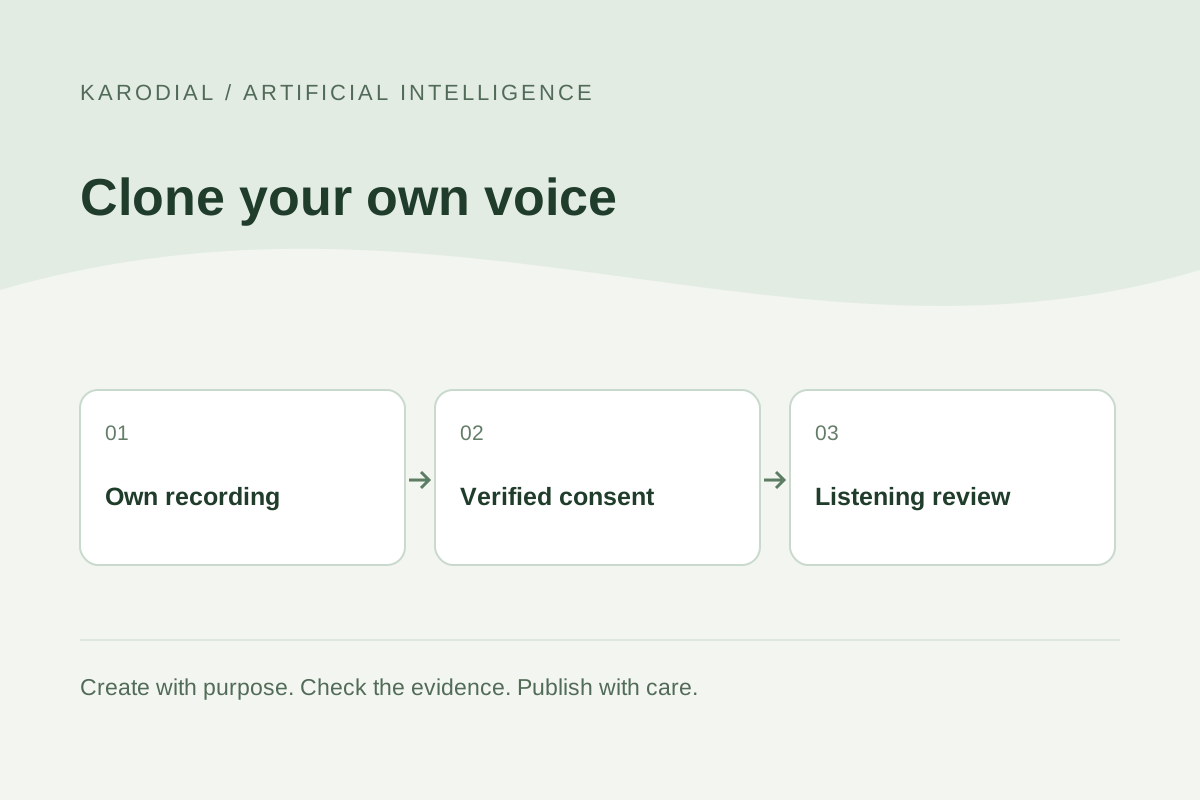
An AI clone of your own voice can help you prepare narration without recording every sentence again. A business owner might use it for an approved service introduction, while a creator might test different versions of an original script. The useful goal is a clear, authorized recording that communicates accurately. A familiar sound alone does not establish quality or permission. Before uploading samples, understand the provider's requirements, decide where the clone will be used and plan how you will review every finished recording.
Choose one realistic purpose
Start with a small narration task rather than a promise that the clone will replace every recording. For a fictional KARODIAL website project, a studio owner wants a short introduction explaining three services. The script contains no changing prices or private customer details. This is easier to review than an agent answering arbitrary questions in the owner's voice.
Write down the intended language, audience, tone and delivery channel. Decide whether the recording is a draft, a public website asset or a paid advertisement. These distinctions affect permissions and review. A voice approved for one demonstration should not silently become an unrestricted asset for every future campaign.
Check identity, eligibility and authorization
Use recordings of yourself and follow the selected provider's verification process. ElevenLabs' professional cloning documentation currently describes an own-voice requirement and verification. Its broader use policy restricts unauthorized impersonation, while the current privacy and use policies place additional restrictions on under-18 voice data. A general consent statement does not override a feature's stricter eligibility rules.
Read the rules for the exact feature before purchase or upload. Do not assume that a person giving permission automatically makes every provider workflow available. Keep a record of your intended use and relevant terms. If a business will manage the clone, specify who may generate speech and who may approve publication.
Prepare a clean recording environment
Record in a quiet place with consistent microphone position. Reduce echo and avoid background music, other speakers and distracting mechanical noise. Listen to the original recording before collecting more material. Poor samples can teach a system unwanted noise or make its output less consistent. Clear source material is more useful than a large folder of mixed-quality clips.
Use your natural speaking voice and the style needed for the final project. A calm service introduction benefits from calm, clearly articulated samples. Do not process the audio so heavily that it loses natural characteristics. Save an untouched master and a clearly named working copy, then export according to the provider's supported format.
Match samples to the model
Different cloning methods can require different amounts of audio and produce different consistency. A quick reference-based clone and a model trained more extensively on your recordings are not identical products. Use the current documentation for sample quantity, duration, supported languages and account eligibility. Avoid presenting one provider's minimum as a universal requirement.
Choose varied sentences within a consistent delivery style. Include the ordinary vocabulary you expect to narrate, but keep confidential information out. Where pronunciation in another language matters, prepare suitable samples and test it specifically. A recognizable voice may still pronounce foreign words incorrectly or carry an accent that does not suit the intended narration.
Build a short evaluation script
Prepare an original test containing a greeting, a service explanation, a date, an address-like phrase and several business terms. Use invented details where appropriate. Generate a short candidate and compare it with your natural delivery. Listen for missing words, unexpected emphasis, unstable loudness and an ending that sounds unfinished.
Test punctuation and sentence length because written text becomes spoken timing. A heading that works visually may sound awkward aloud. Keep important instructions short and explicit. Review the entire exported audio rather than assuming the rest resembles the first few seconds. If the clone repeatedly misreads a term, adjust the script or pronunciation method deliberately.
Review Hindi and English separately
A Hindi source voice does not guarantee natural English narration. A system can preserve recognizable characteristics while changing rhythm or mispronouncing names. Check common business vocabulary, numbers and mixed-language sentences. Ask a fluent listener to review meaning as well as sound. An attractive voice can still communicate the wrong date or service.
Avoid making two languages mechanically identical when ordinary expression differs. Write each version for listening, confirm important details and keep the intended business meaning aligned. Maintain approved scripts alongside the audio. This makes later corrections manageable and prevents an old narration from remaining online after the service description changes.
Protect access and sample data
Voice recordings are personal data and can enable convincing imitation. Before upload, review the provider's current privacy terms, sharing settings, training controls, retention and deletion process. ElevenLabs currently documents training opt-out controls, with effects that apply prospectively. Do not promise that switching a setting retroactively removes every earlier use.
Keep the account under appropriate control and restrict generation access. Avoid public sample folders and unnecessary sharing links. Decide what happens when a contractor leaves or the project ends. Store approved audio separately from raw samples, and document who can revoke access. Convenience should not make the clone an asset that anyone in a shared account can use without review.
Separate commercial permission from other rights
Check the provider's current commercial-use terms for your plan and feature. A paid account does not automatically clear the script, background music, brand references or another person's performance. If you add licensed music, verify the licence for the intended channel. Keep a small rights record with the source and permission for each non-original element.
Make the synthetic nature of a recording clear when required or when omission would materially mislead listeners. Do not use the clone to fabricate testimonials, authorizations or evidence of a conversation. The recording should express an approved script, with responsibility for its claims remaining with the person or business publishing it.
Deliver and maintain the final narration
For the fictional studio, the owner approves a script, compares two short candidates and corrects a mispronounced location. The final audio is checked on a phone and through headphones. A human editor confirms that it matches the website's current services. KARODIAL's role in this example is preparing and presenting the website asset; cloning availability depends on the external service selected.
Export a suitable file, keep playback controls accessible and provide the information in readable text as well. Record the approved script, version and review date. Recheck narration when services change. A useful voice clone supports an accountable production process: authorized samples, controlled generation, careful listening and a maintained public result.