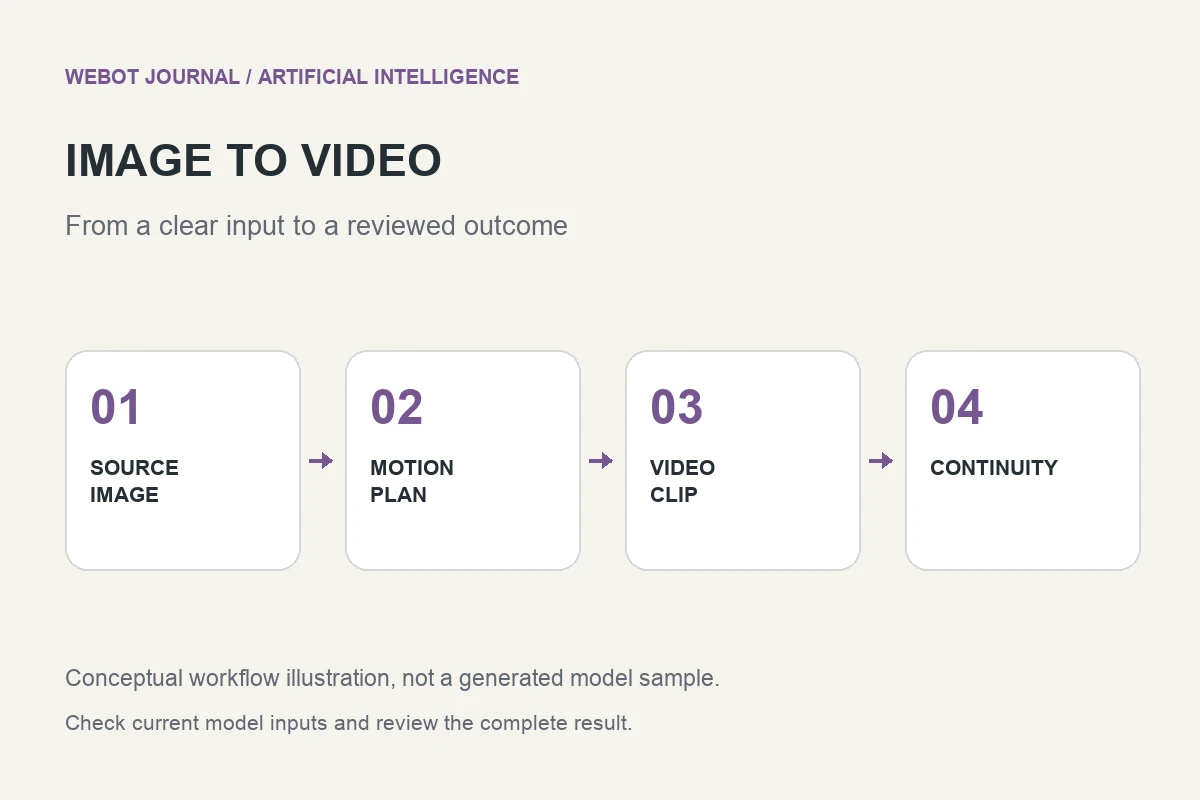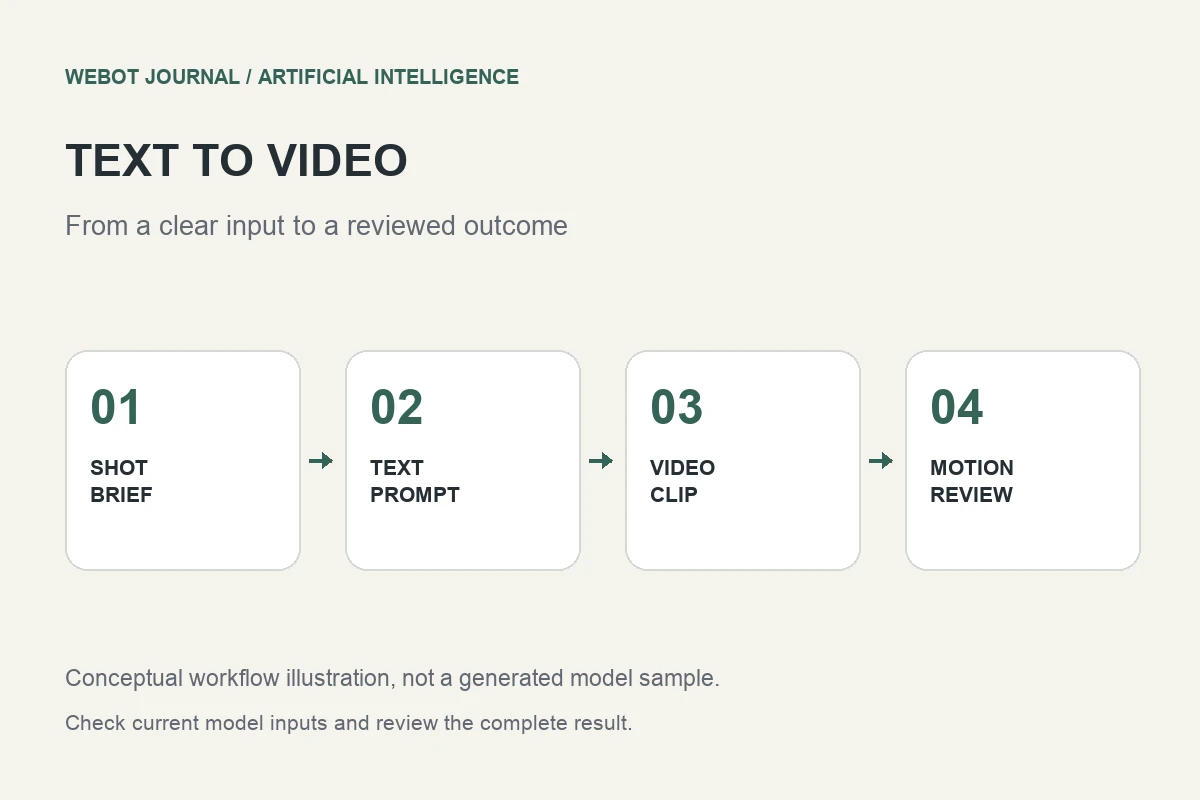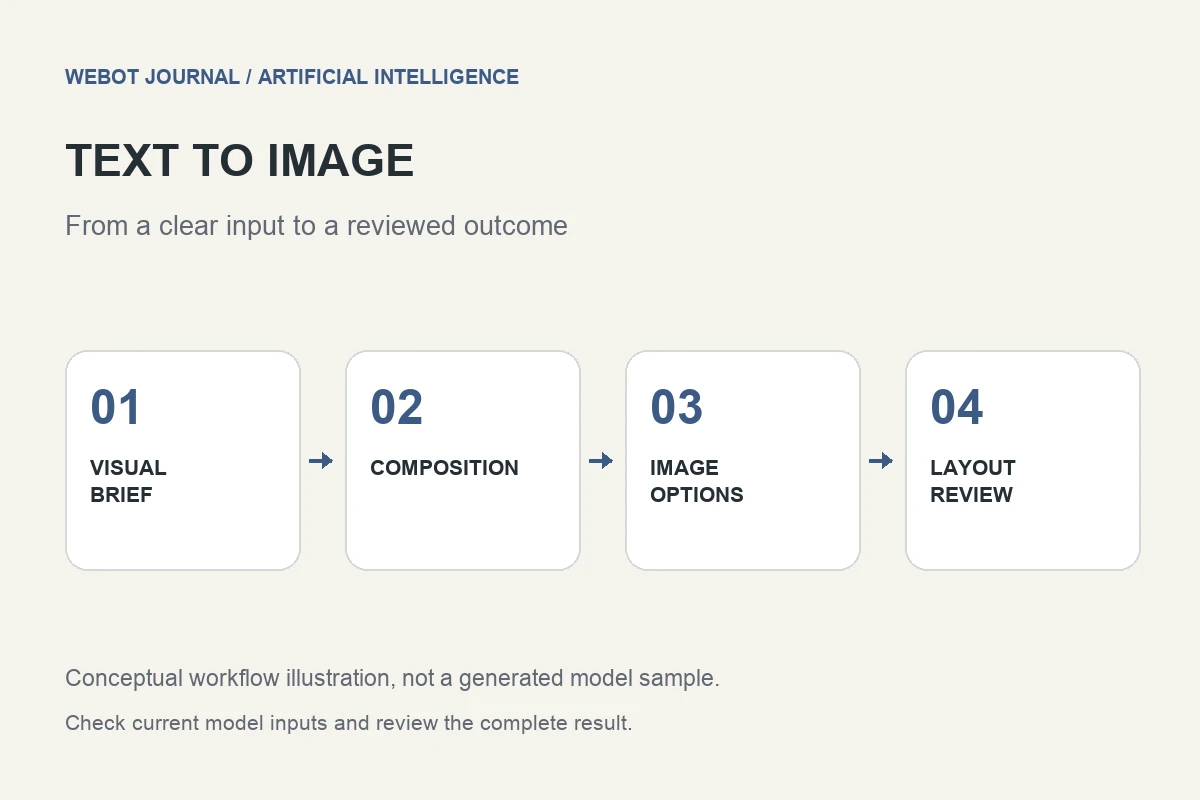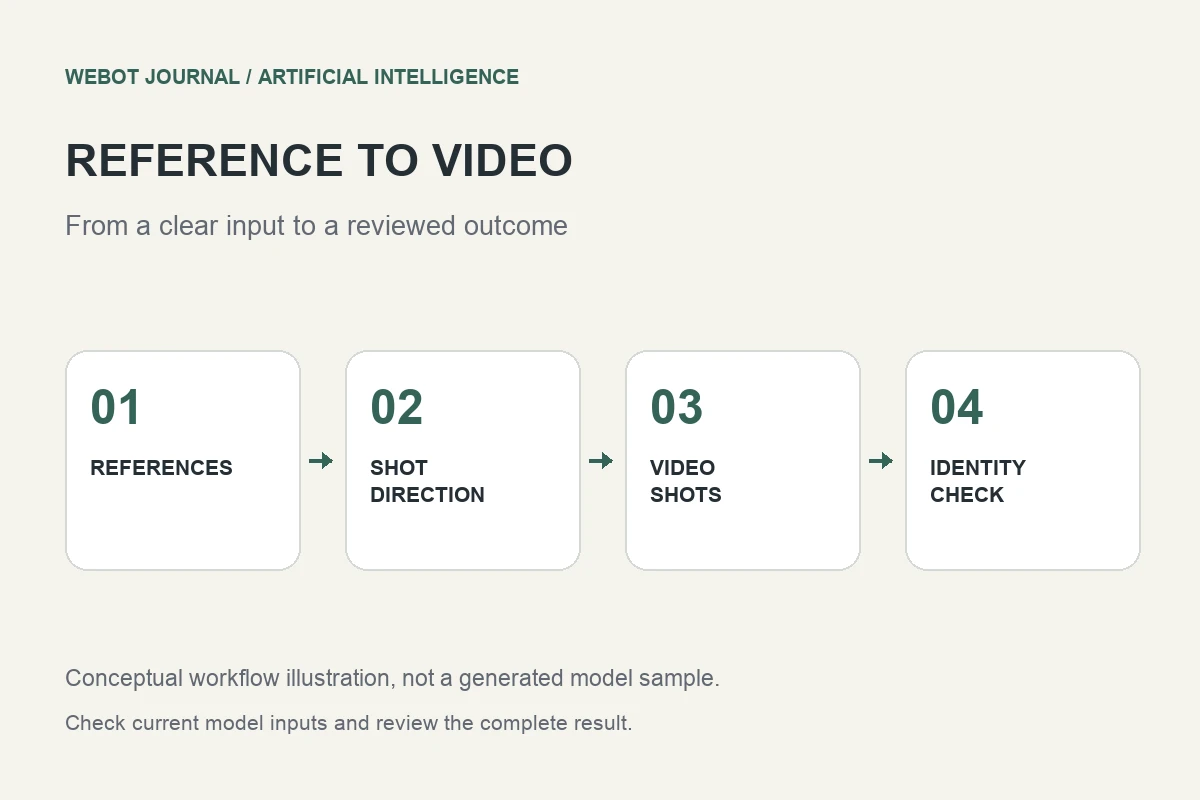
Reference image to video workflows use supplied pictures to guide a generated sequence. They are useful when a text description alone does not adequately communicate a character, object, costume, or visual world. Their purpose is guidance, however, not an automatic guarantee that every detail will remain identical across every frame. You still need a precise shot brief and a careful continuity review.
Consider a fictional animated travel story featuring the same illustrated explorer in several locations. You have a front view, a side view, and a clean costume drawing. The challenge is to make those references work together instead of confusing the generation. This artificial intelligence workflow guide explains how to prepare the material, define its role, assess consistency, and organize a useful multi-shot production.
1. Distinguish references from start and end frames
An opening frame specifies a visual state from which a clip begins in a workflow that supports that input. A reference can instead guide appearance without requiring the video to begin with that exact composition. An ending frame has yet another role. The same image file can serve different purposes depending on the endpoint’s documented interpretation.
Read those definitions before uploading a set of pictures. Veo documentation, for example, distinguishes video tasks at the endpoint level; use the documentation for the actual reference workflow rather than assuming that an image to video tutorial describes the same contract. If the model accepts a limited number of references, prioritize the ones that clarify the subject. More files are not automatically more useful information.
2. Build a small reference set with clear roles
Choose references that agree on the explorer’s essential features: face shape, clothing colors, equipment, and illustration style. A clean front view can establish identity, while a side view can clarify proportions. A costume detail is useful when the accessory matters to the story. Several nearly identical images may add less value than one clear alternative view.
Remove accidental contradictions where possible. If the bag changes sides or the jacket changes color between drawings, decide which version is authoritative. Do not expect the model to infer that one inconsistency is a mistake while another is an intentional design choice. Give files meaningful names in the production folder, and record which visual property each reference is intended to explain.
3. Separate subject identity from scene direction
The references answer what the explorer looks like. The prompt should answer what happens in this shot. For instance, the explorer stands beside a station timetable, checks a folded map, then looks toward the platform; a medium shot with restrained camera movement and clear morning light. This makes the action reviewable without forcing the references to carry the whole narrative.
Do not ask an identity reference to preserve a location it was never meant to define. If the model supports separate scene or style references, check their exact roles. When it does not, write the intended setting clearly and accept that the model may synthesize details. A useful reference workflow reduces ambiguity around important properties; it does not remove the need to direct the scene.
4. Define what consistent actually means
Consistency is not one yes-or-no property. A clip might preserve clothing colors while changing facial structure, keep the face recognizable while altering body proportions, or maintain appearance but break the character’s equipment. Decide which features are essential to the current shot and list them before reviewing results.
For the explorer, a practical rubric could include recognizable face, stable jacket color, the same bag design, plausible hands during map handling, and coherent scale relative to the station. These are editorial acceptance criteria, not measured model benchmarks. A long shot may tolerate less facial detail than a close-up, but it should not silently introduce a different costume. Match the review standard to what the audience can actually see.
5. Plan several shots as a sequence
A multi-shot project needs more than repeated use of the same files. Track location, direction of travel, props, time of day, and the character’s state at each cut. If the explorer holds the map in one hand before the cut and a different object afterward, the sequence may feel inconsistent even when the character’s appearance remains stable.
Start with a short shot list and assign a purpose to each shot. An establishing view can introduce the station, a medium view can show the decision, and a detail can communicate the route. Generate and review them as separate production elements. Do not assume that the model remembers an earlier request unless the selected workflow explicitly provides that context and you have verified how it behaves.
6. Test difficult interactions before scaling
Hands manipulating a map, a bag crossing the body, and a face turning away can reveal problems that a static pose hides. Test one representative interaction before generating an entire sequence. If the required action repeatedly changes the subject, simplify it or redesign the shot so the story remains understandable without the fragile movement.
A failed test is useful when it changes the production plan. You might show the map in a separate insert, keep the explorer’s hands outside the frame, or use conventional animation for one precise action. These are creative choices, not evidence that references never work. The aim is to build a reliable scene from available methods rather than force every storytelling requirement through one generation request.
7. Review references and results together
Keep the reference sheet visible during review and inspect the clip at normal speed first. Then revisit moments with occlusion, turns, or changing camera distance. Look for identity drift, moving accessories, inconsistent lighting, and a style that changes between frames. Compare the actual shot with both the reference set and its action brief.
For a sequence, view adjacent clips together. A candidate that looks convincing alone may clash with its neighbors through color, scale, or motion. Record precise findings and keep rejected versions separate. If you adjust the reference set, give it a new version identifier. Otherwise, you may later compare two outputs without realizing that the inputs changed in a way that explains the difference.
8. Deliver a reproducible creative handoff
Save the approved references, prompts, settings, endpoint identity, and chosen outputs. Record which references were used for each shot and which details needed correction in editing. This does not guarantee that rerunning a model will produce identical frames, but it preserves the decisions required to understand or revise the project.
In WeBot, check the current reference inputs and credit estimate in the actual workspace; do not treat a provider feature as proof of platform availability. Keep accepted jobs pending until there is saved completion evidence rather than submitting ambiguous duplicates. Reference images to video is most useful when you give each image a clear role, direct one shot at a time, and judge consistency across the finished sequence instead of trusting the input list alone.
Sources and further reading
Originally published by WeBot. Republished on KARODIAL on 29 October 2026. View original article